A first phone without the worry
Set healthy screen time, keep bedtime phone-free and get a heads-up if a stranger or bully shows up. Your child keeps their privacy: you see the type of risk, never their messages.
Instagram · 9:40 pm
Game chat · 6:15 pm
Location · 5:02 pm
Phone locked · 9:30 pm
What you see, and what stays theirs
Your child always sees that TipOffly is on, and can open a "What my parent sees" screen at any time.
You see
Stays private
Today · Age 11
1 h 52 m of 2 hExample data. Late-night use and binge sessions show up in the weekly report.
Healthy habits, set in a minute
Pick your child's age and TipOffly suggests limits based on the Government of India's PRAGYATA guidelines. Change anything you like.
| Stage | Suggested screen time |
|---|---|
| Pre-primary | About 30 minutes a day |
| Classes 1–8 | Up to 2 sessions of 30–45 minutes |
| Classes 9–12 | About 2 hours a day |
| Every age | No phones in the bedroom at night |
A heads-up when it matters
TipOffly checks chat notifications on your child's phone for signs of real danger. It runs on the phone, keeps nothing, and tells you only what kind of risk it saw.
How to talk about this
Start with how their day went. Ask if anything online has been bothering them. Don't take the phone away: kids who fear losing it stop telling you things.
Android: WhatsApp, Instagram, SMS, game chats
On iPhone, Apple doesn't let apps read chats. There, TipOffly uses Apple's own Communication Safety to blur nude images.
Instagram this week
Mon 21 – Sun 27 SepMostly after 11 pm on 3 nights
No messages shown
Wednesday, 9:40 pm
All clear
Example summary.
Know how the week went, without reading a word
Every Sunday you get a short summary for each app: time spent, late nights and any risk types spotted. Teens get serious alerts only.
Teen mode, 13–17
Turns on automatically for teens. No screen-time reports or app lists go to parents, only serious alerts like grooming, self-harm or scams. Teens trust it more, so they don't try to switch it off.
Arrival alerts
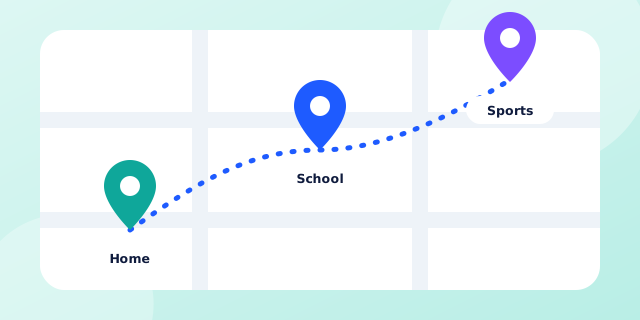
Mark home, school and tuition on a map. You get a note when they arrive or leave. Location history deletes itself after 7 days.
Safe, not spied on
Always visible
A notice shows that TipOffly is on. It can't be hidden.
No photos kept
Images are checked on the phone and never saved or sent.
Their own screen
"What my parent sees" shows exactly what's shared.
Parent consent
A verified parent sets it up, as Indian law requires.
Parents ask
Can I read my child's messages?
Will my child know TipOffly is on?
Can they uninstall it?
Does it work on iPhone?
What age is it for?
Give them the phone. Keep the peace of mind.
Family Premium covers up to 5 people. Free for 14 days.